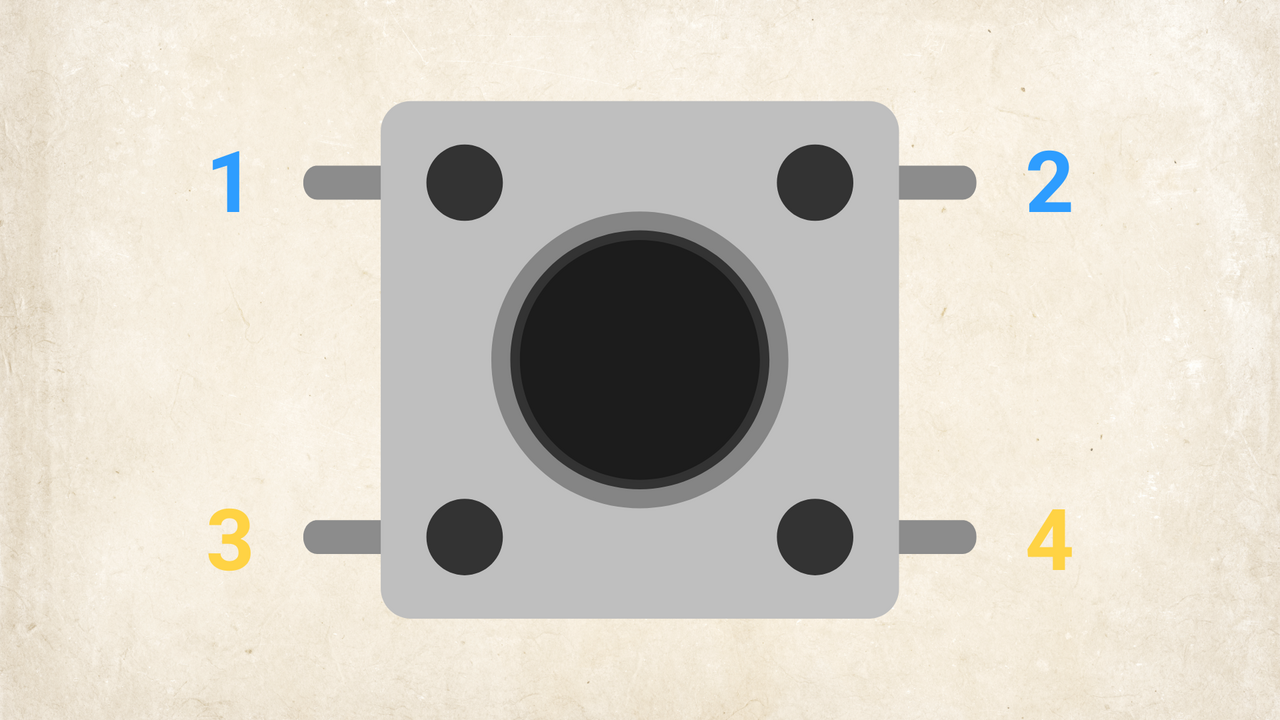
Tactile Push Buttons Pro Preview

Push buttons allow users to interact with electronic circuits. Whether you are building an Arduino project, a game controller, or a custom gadget, you need these buttons to trigger actions, start programs, or change settings.

What you will learn:

  1. What a tactile push button is.

  2. How the 4 pins connect internally.

  3. How to place the button correctly on a breadboard.
content picture

To access the full video please subscribe to FLLCasts.com

Subscribe

  • #2697
  • 23 Sep 2026

How It Works

Tactile push buttons are momentary switches. They only complete an electrical circuit while you hold them down. When you release them, an internal spring pops the button back up and breaks the connection.

The 4-Pin Layout

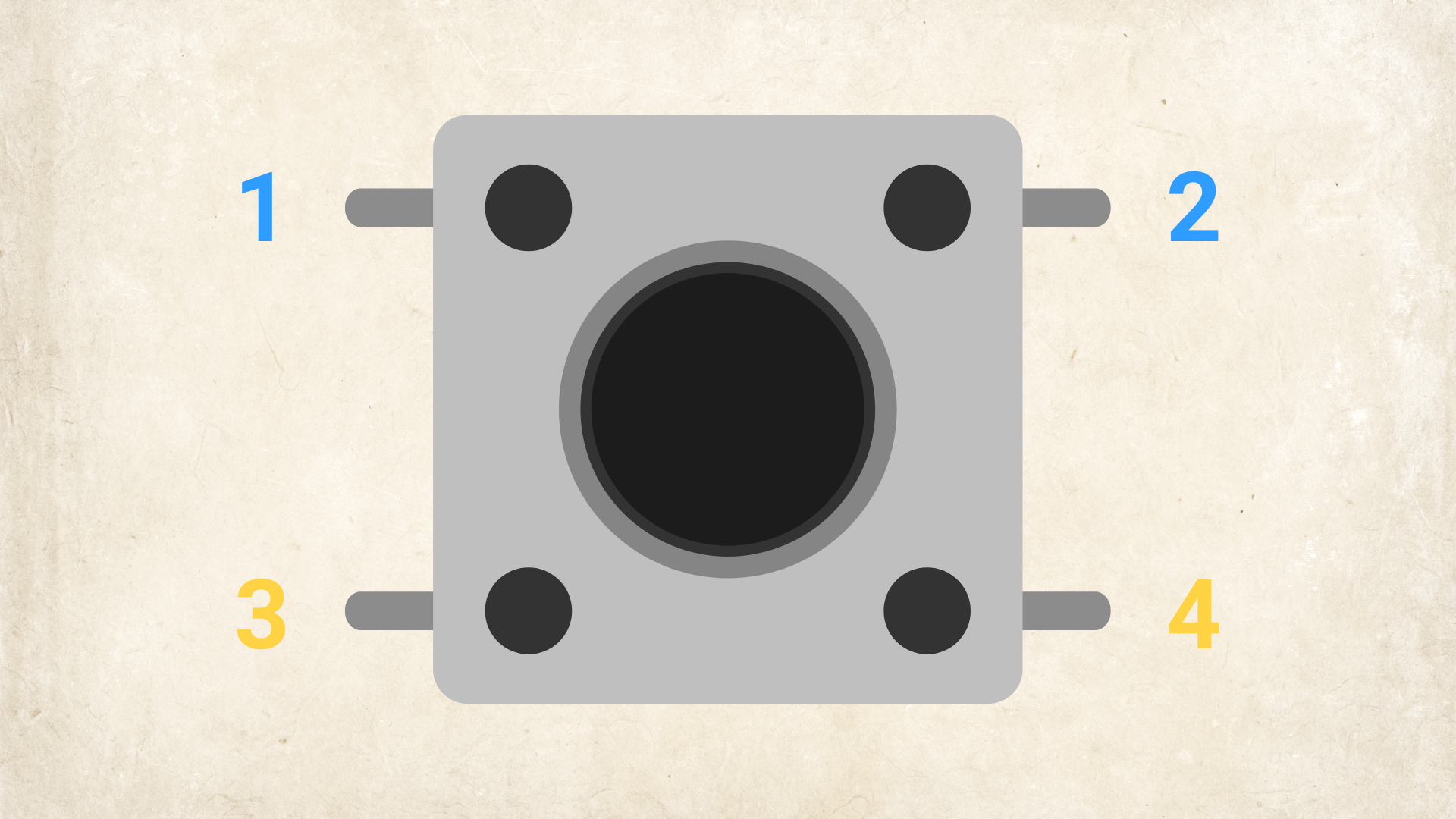
The button has four legs, but it functions as a simple two-terminal switch:

  • Pins 1 and 2 are internally connected.

  • Pins 3 and 4 are internally connected.

Pressing the button creates a bridge connecting the 1-2 side to the 3-4 side.

Breadboard Placement

Bridge the center gap: Place two legs on the left side of the middle ravine and two legs on the right side.