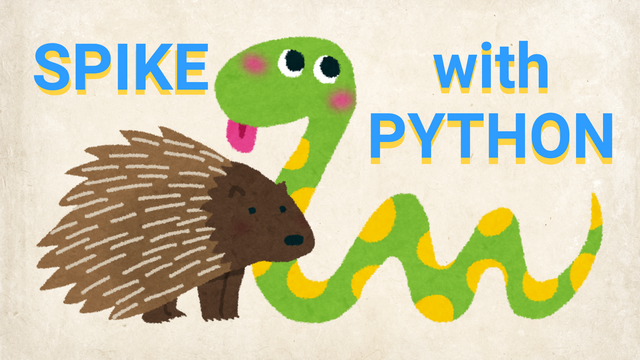
This is the first level of the LEGO Robotics Curriculum with Python, designed for students in grades 2, 3, and 4.
In this robot adventure, students learn to control robots using real Python code, while teachers guide them through their first steps in text-based programming. Throughout the level, students build a variety of LEGO SPIKE Prime robot models and program them to move, turn, and complete tasks with increasing precision.
Step by step, students learn how to read, understand, and write their own Python programs. Through fun and creative challenges, they bring their robots to life and discover how code can control movement, solve problems, and interact with the world. Along the way, they explore concepts such as navigation, obstacle avoidance, and sensor-based behavior.
The curriculum is designed to help teachers introduce programming in an engaging and approachable way while giving students plenty of opportunities to experiment, test ideas, and develop confidence in their coding skills.
By the end of the level, students apply everything they have learned in an exciting robotics competition. Using their own programs and robot designs, they complete missions on a competition field with boxes, putting their coding, engineering, and problem-solving skills to the test.