Video tutorials
Filters:
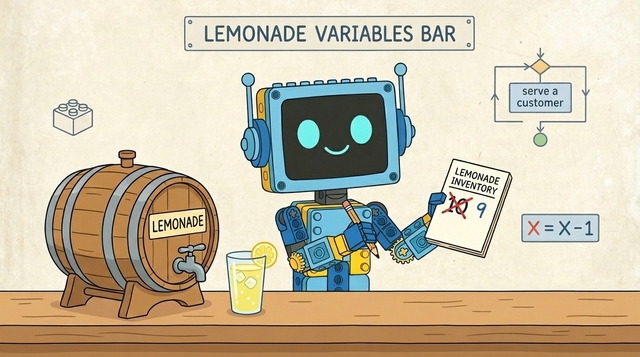
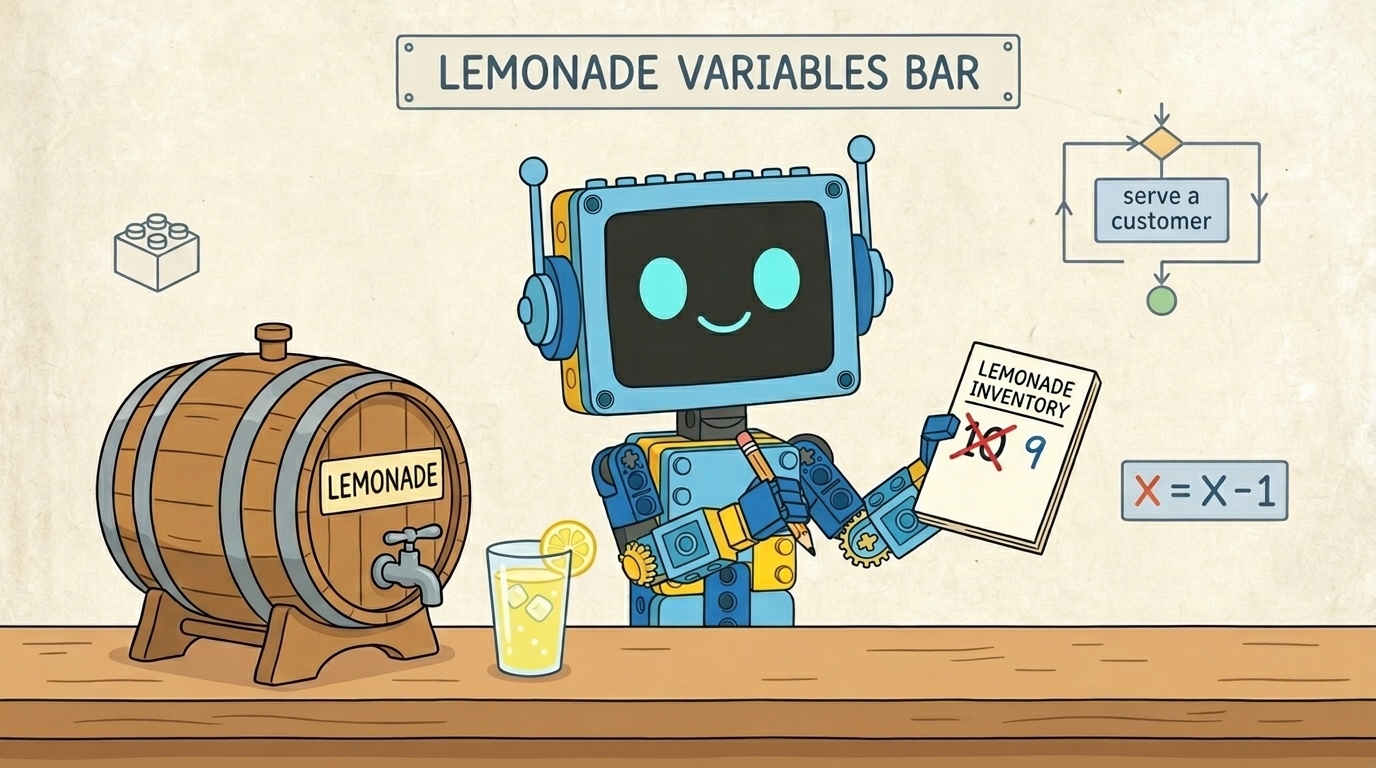
What is a variable?
![]()
Variables are like small boxes inside the computer that store important information for us. Imagine the following situation:
- #2591
- 26 Feb 2026
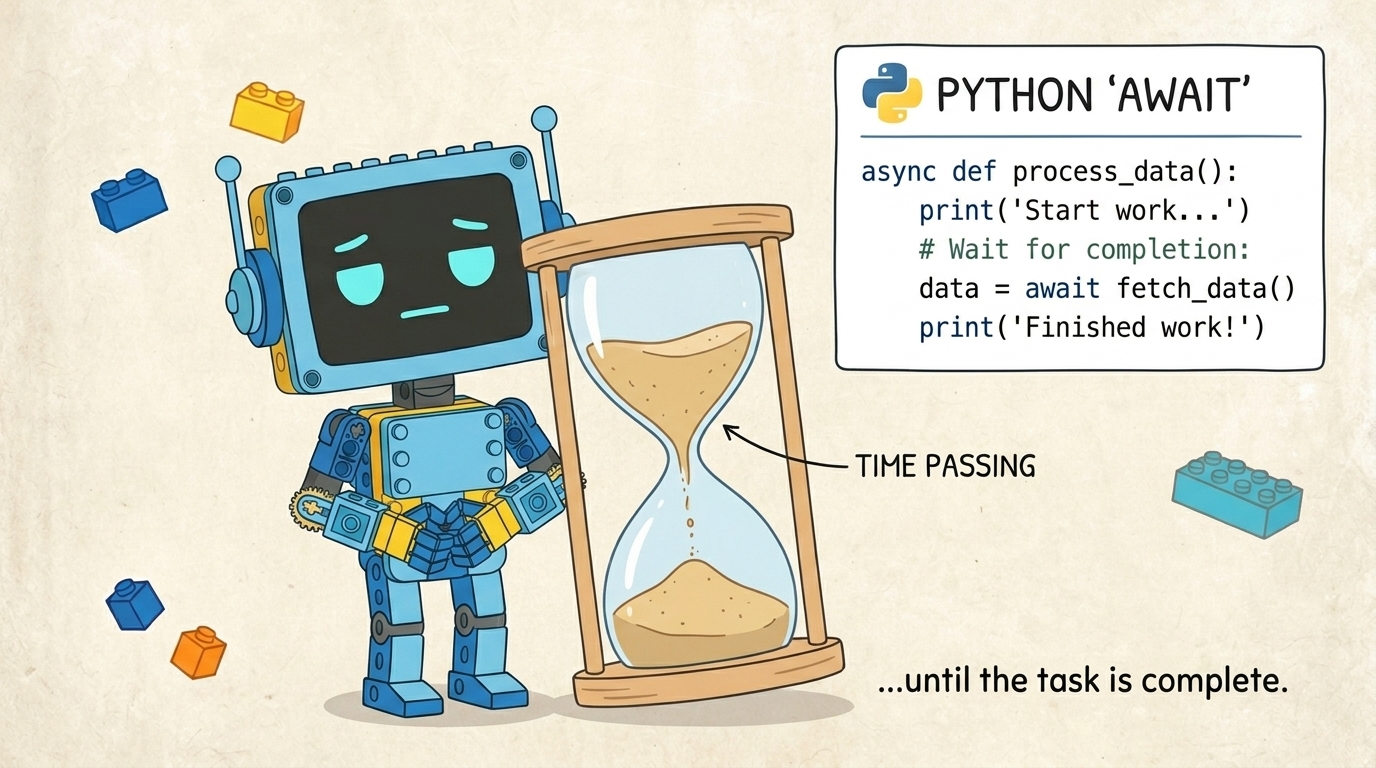
The "await" command in LEGO SPIKE Python
The await command tells your robot:
“Wait until this action is finished, then continue!”

Why use "await"?
- Motors need time to move
- Sounds need time to play
- Sensors need time to read values
Without "await", the robot may move on too quickly and not finish its actions properly.
Important rule
You can only use "await" inside an "async" function.
async def main(): await motor.run_for_time(port.A, 1000, 1000)
- #2586
- 10 Feb 2026
Angular velocity
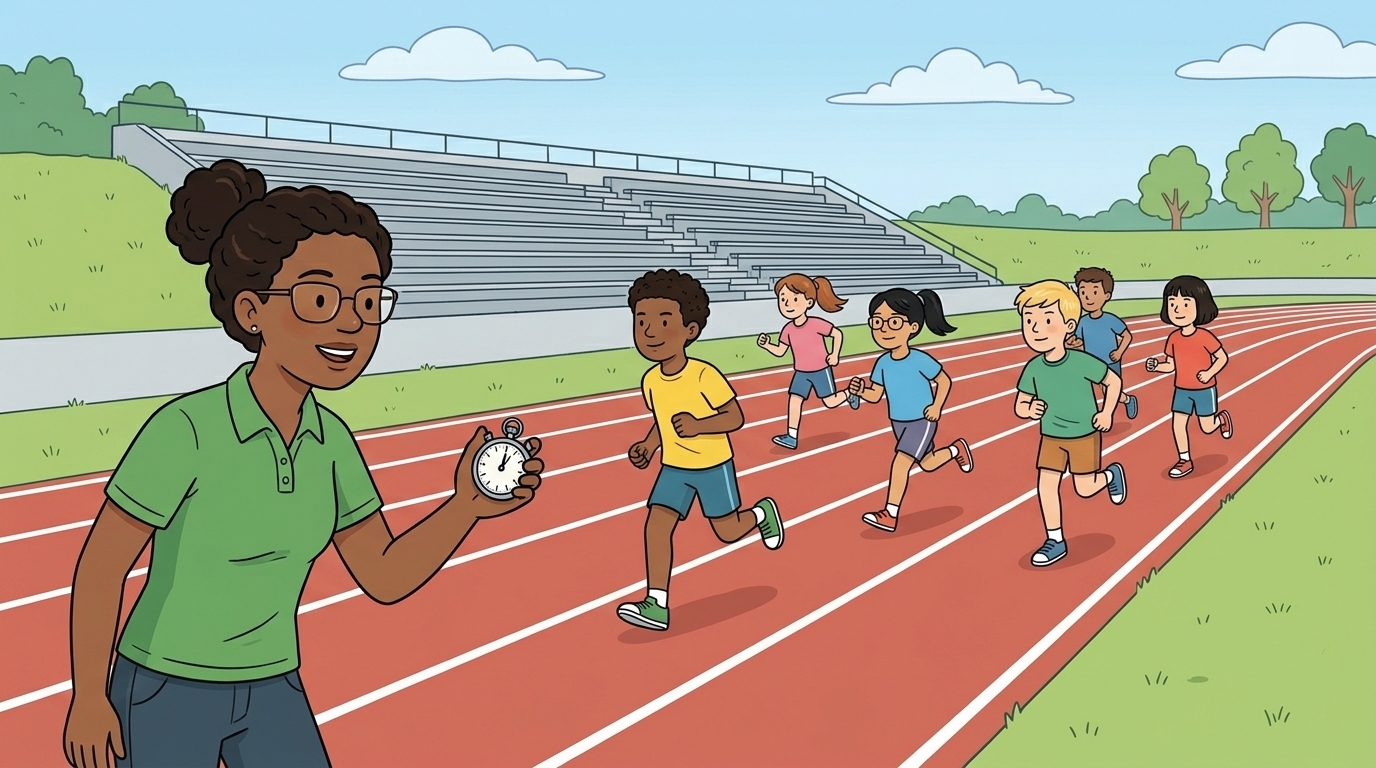
We already know how to set the speed of the motor and how long it should move. However, with these commands alone, we cannot control exactly how many degrees the motor turns. To make the motor turn a specific number of degrees, we need to use some simple math.

The motor speed is measured in degrees per second. We can use this to calculate how much the motor will turn using the formula:
S = V * T
S – the distance traveled (in this case, the number of degrees the motor turns);
V – velocity (degrees per second);
T – time (in seconds).
- #2582
- 06 Feb 2026
How We Start the SPIKE Software, Connect to the Hub, and Upload Programs
Before we can run Python programs on the robot, we need to open the SPIKE software, create a Python project, and connect the Hub to the computer. In this tutorial, you will learn how to do each of these steps using the LEGO SPIKE software.
- #2580
- 27 Jan 2026
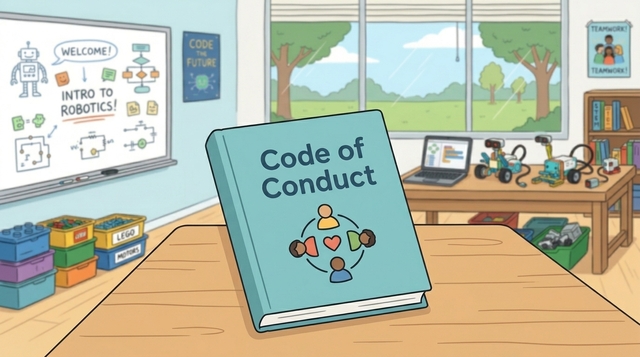
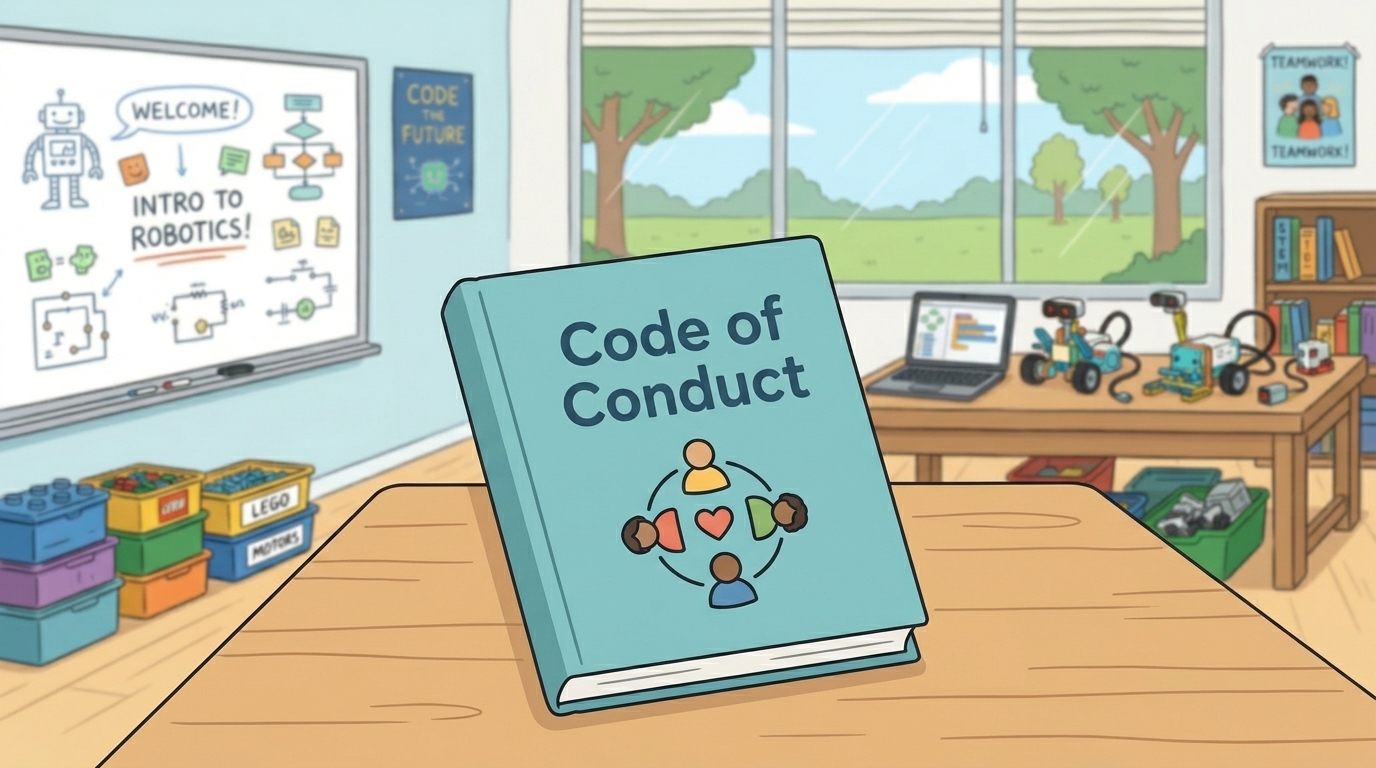
Code of conduct during the robotics lessons

During this course, we expect the following from you:
Ask questions when you are curious or need help.
Don’t be afraid to make mistakes - this is how you learn.
Share your ideas, help others, and be open to receiving help.
Listen carefully when the teacher is speaking - it’s important for everyone.
Read your lesson before coming to class.
Ask questions!
The teacher does not expect you to know everything. What matters is that you ask when you don’t understand something. Go to your teacher when you need help - they can support you only if you ask.
It’s okay to make mistakes
It’s normal not to succeed the first time. Learning takes practice. Keep trying, testing, and improving your solution until you succeed.
Work as a team
The whole class is a team. Help each other, share ideas, and learn together. It’s okay to give hints or learn from others - this helps everyone improve.
Listen when the teacher speaks
When the teacher is explaining something, it is important for everyone. You might hear a solution to a problem you will face later.
Prepare before class
You will have access to e-textbooks that you can read at home on a phone, tablet, or computer. Try to think about the tasks in advance so you are ready to work during the lesson.
- #2571
- 19 Jan 2026
Tools shopping list
Here’s a list of all the tools you’ll need to build the DIY Rotating LED Clock Display. Each tool links to Amazon. If a link isn’t available, we’ve included tips on how to find another one.

- #2481
- 06 Nov 2025
Components shopping list
Here’s a list of all the parts you need to build the DIY Rotating LED Clock Display. Each part links to Amazon. If a link doesn’t work, don’t worry - we’ve also added tips on how to find a replacement.

- #2480
- 06 Nov 2025
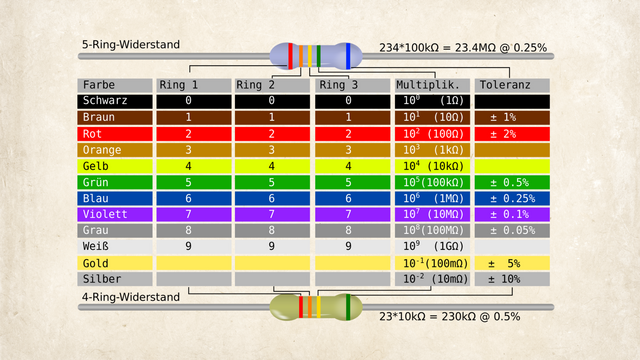
How to read resistor color codes
Resistors are essential electronic components that limit the flow of electric current in a circuit. Because they’re so small, their resistance value (measured in ohms, Ω) is usually marked with colored bands instead of numbers. Here's how to read them:
- #2510
- 23 Oct 2025
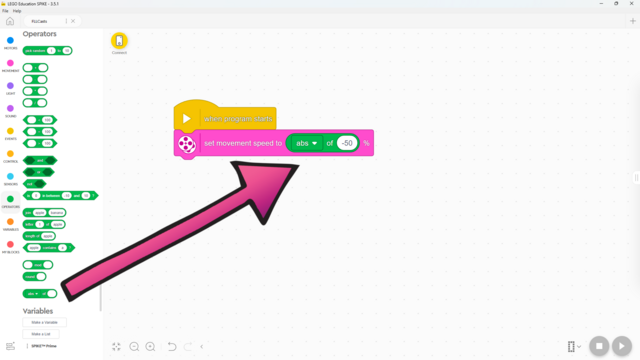
How to use Absolute Value in LEGO SPIKE Prime Word Blocks Software
It is part of the Functions block, but what does it do?
- #2509
- 16 Sep 2025
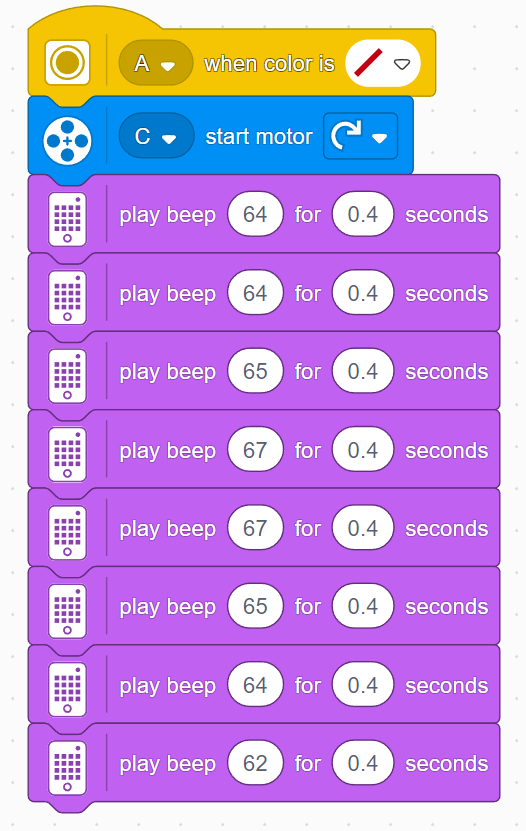
Teacher's Notes: Music Box
Due to the long construction, you need to be careful with time in this lesson. Don’t let the students spend too much time building. If you think you can manage it, you may let them find their own sheet music and adapt it, but we recommend sticking to the short section from Ode to Joy as shown in the tutorial. This melody also serves as preparation for the next lesson, where a ready melody will again be needed. Here’s what the program looks like:

- #2505
- 16 Sep 2025
Teacher's Notes: Musical Introduction
Because this is the musical level, it’s important to set some rules for the sounds the robots make. Students often don’t realize how loud it can get, so remind them to keep the volume lower so they can hear the hubs, and to stop their programs in time, since continuous sounds can become quite loud.
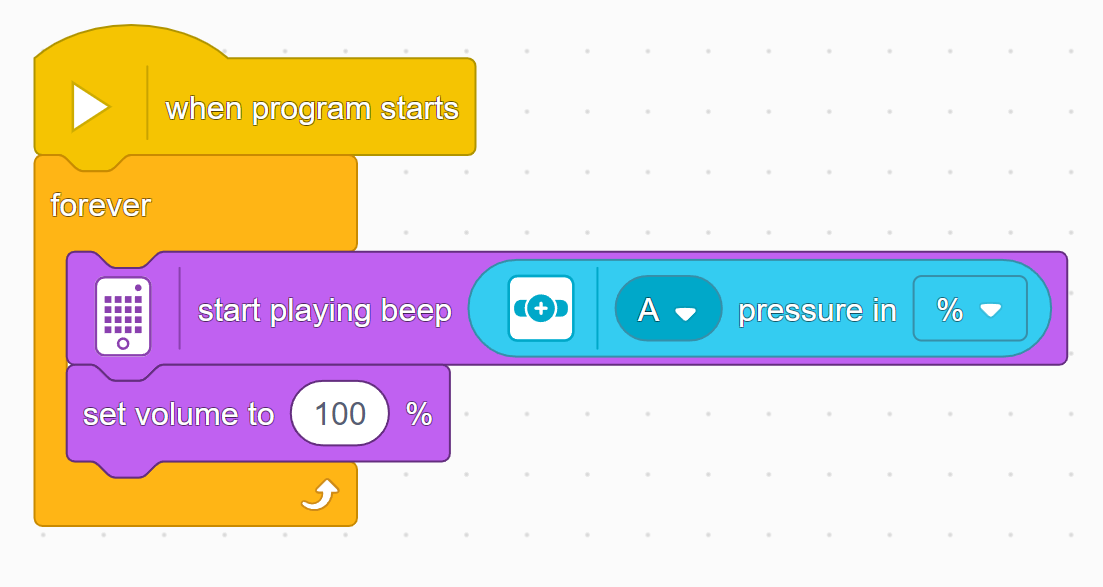
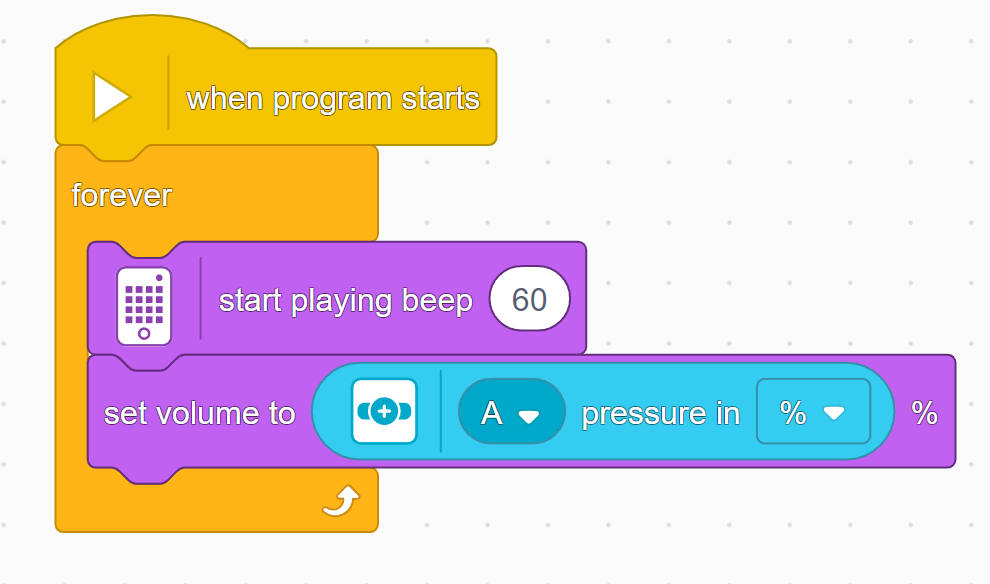
In this lesson, students will learn many of the key concepts needed for the rest of the course. That’s why there is little construction and mainly exploration with a single force sensor. Make sure they understand the difference between pitch and volume. Although there are many new blocks introduced, they are mostly simple and similar to previous ones. These blocks will also be used in many future lessons, giving students plenty of time to become familiar with them. By the end of the lesson, students should have tried the following two programs:


- #2502
- 16 Sep 2025
How to use the Set Volume To Block in LEGO SPIKE Prime Word Blocks Software
A big part of a sound is its volume. Here's how to change it!
- #2501
- 16 Sep 2025
How to use the Force Sensor Pressure Block in LEGO SPIKE Prime Word Blocks Software
The force sensor can detect how hard it’s being pressed! Here’s how:
- #2500
- 16 Sep 2025
How to use the Start Playing Beep Block in LEGO SPIKE Prime Word Blocks Software
Did you know that your hub can play a sound? Here's how!
- #2499
- 16 Sep 2025
How to use the Play Beep for Seconds Block in LEGO SPIKE Prime Word Blocks Software
Did you know that your hub can play a sound? Here's how!
- #2497
- 16 Sep 2025