Some programs use preinstalled libraries, and running them from your machine may result in errors while uploading the program. In this tutorial, we will learn to identify such errors and fix them.
To access the full video please subscribe to FLLCasts.com
- #2712
- 04 Nov 2026
Identifying the issue
The error will look something like this:
Path: fatal error: Some Library Name: No such file or directory
    2 | #include <Some Library Name>
      |          ^~~~~~~~~~~~~~~~
compilation terminated.
exit status 1

Compilation error: Some Library Name: No such file or directory
In those errors, the line that caused the issue will be highlighted. In the example above, the line that caused the issue is number 2. If that line looks like this:
#include <Some Library Name>
Then you have a missing library!
Solving the issue
To solve the issue, you just need to include the missing library. Go to the Tools menu and select Manage Libraries.... Then type the missing library name and install it. The name of the library is found after the #include keyword, placed in angle brackets.
Courses and lessons with this Tutorial
This Tutorial is used in the following courses and lessons
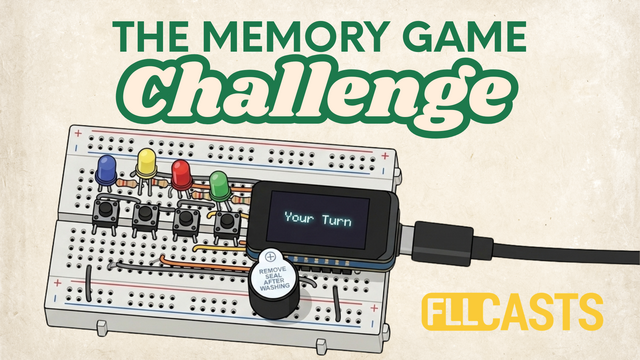

The Memory Game Challenge
In this course, you'll build a fully functional electronic memory game that challenges players to remember and repeat sequences of lights.
You'll work with real electronic components, learn how they function, and connect them to create your own game. No previous experience with electronics or programming is required.
- 15
- 0:00
- 34

The Final Upload - Code Meets Creation
In the previous lesson, you assembled the electronic circuit for your memory game. Now it's time to bring it to life!
In this lesson, you'll learn how to upload a ready-made program to your ESP32 controller so your memory game can start working. You won't need to write any code.
You'll follow these steps:
Download the program: Get the ready-to-use code for your memory game.
Install Arduino IDE: Set up the software used to upload programs to electronic controllers.
Configure the controller: Select the correct ESP32 board type in Arduino IDE.
Connect the ESP32: Connect your controller to your computer using a USB cable.
Upload the program: Transfer the program to your ESP32 and get the game running.
By the end of this lesson, you'll have a fully working memory game that you can test and play.
- 2
- 1
- 6
- 3d_rotation 1