Cardiovascular and Strength exercise missions
- #e1g57j
- 13 Jul 2013
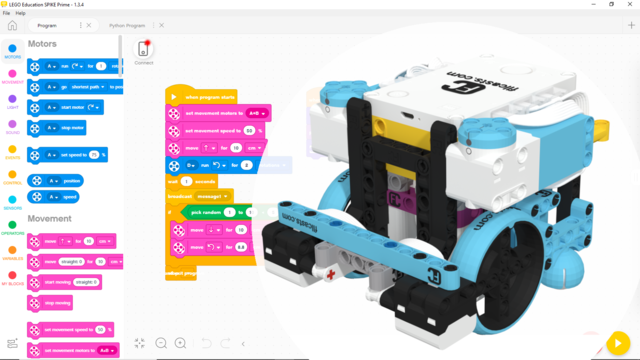
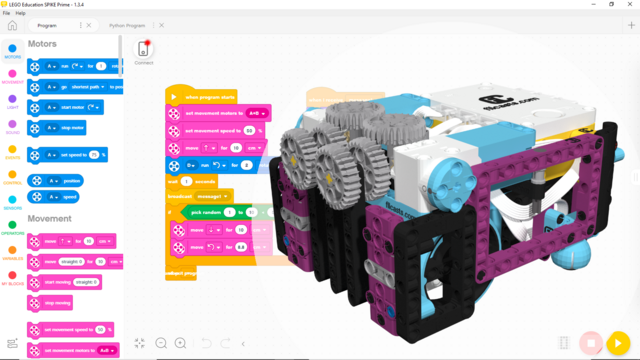
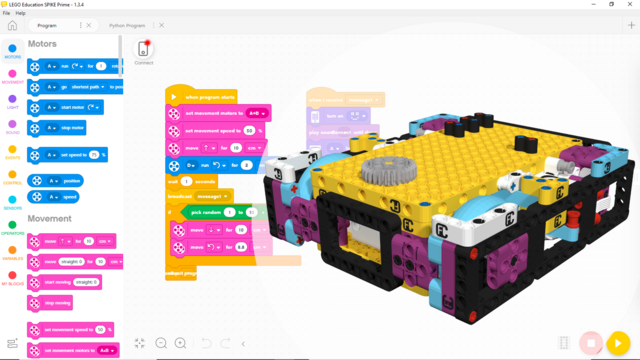
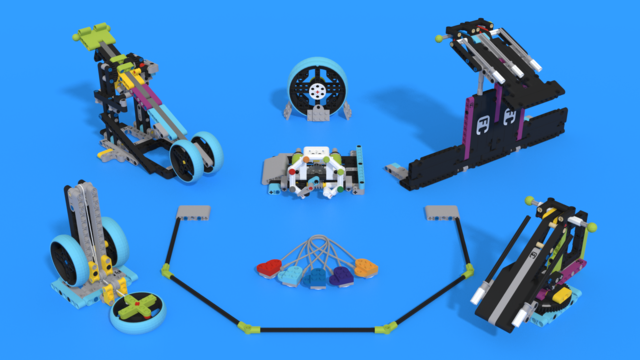
This is the program for the self aligning passive attachment for rendezvous and meeting between the tube module and the habitation hub. The material is Self Aligning Module Attacher for M06 - Space Station ModulesCreator
This program is for Lifter - an attachment for SUV Box Robot and Into Orbits M09–Strength Exercise material. In this program you may need to change the values in the Wait - Color Sensor blocks if the program is not working properly. The program ses also Gyro sensor, that mean that you have to check do you have a gyro drift. If you have such, turn of the robot and start it again. After turning it on, do not touch the robot until it is completely loaded and ready to run. In that way you are going to cancel the gyro drift.
This Program controls the Module With Aligning Attacher for M08 - Aerobic Exercise. This is a demo program to show how to move robot acurately to the modul. Also how to attach the robot to the modul and acomplish the mission.
MyBlock that makes a turn on specific degrees with minimal inaccuracy.
Input parameters:
The block that constanlty increase the speed while turning. The goal of this is to reduce the acceleration of the robot when it starts turning so that no modules will fall.
There is only one input parameter in this block and this is the Angle on which you want your robot to rotate.
Activate the drop attachment with a python program
This program helps us move forward with the LEGO Education SPIKE Prime robot and the motion sensor. Moving forward and keeping a straight line is important to be able to build a consistent and reliable robot.
In this video we are showing how to use two light sensors to do basic aligning on a black line. This is always needed at the competitions. We also show an example for following a line with two sensors.
In this video we are solving one of the most important challenges on the FIRST LEGO League competition, i.e how to cover your Mindstorms NXT light sensors so that they are not affected by outer light sources at the day of the competition. Once again you would find 3 solutions and more will come in the next videos.
In this lesson I would like to show you how to build a LEGO Mindstorms competition robot and tell you how we have designed the construction used in the videos so far. Surely it isn’t perfect, but it is a good start.
In this video tutorial I give a step-by-step explanation of how to implement a block for aligning to a line. The block was first used in lesson 28. Aligning to lines is probably the most powerfull way to know the position of the robot on the FLL Competition field and to be able to execute the missions precisely at 100% of the time.